
The business
Best for: People with practical knowledge or a focused audience to serve.
Online · Products
Revenue model: Digital product sales
Difficulty: Beginner
Physical work required: No
Startup setup: from $2,500
 EasyStartupSites.comBUILD. LAUNCH. GROW.
BUSINESS LAUNCH · A COMPLETE BUSINESS IN A BOX
People with practical knowledge or a focused audience to serve.
SEE THE BUSINESS COME TO LIFE
Explore a concept brand, sample offers and customer experience. Your business is configured to your agreed scope. Example prices and imagery are illustrative.
Best for: People with practical knowledge or a focused audience to serve.
Online · Products
Revenue model: Digital product sales
Difficulty: Beginner
Physical work required: No
Startup setup: from $2,500
A curated collection of useful digital guides, planners or resources with appropriate commercial rights.
Features depend on the Business Launch level selected and your agreed scope.
Digital delivery avoids physical shipping. A useful product and access to a relevant audience must be validated before building a large catalog.
Subject knowledge, editing, rights verification and audience development.
Test one product and one related bundle. Price against alternatives and measured support and acquisition costs.
No audience, product market fit or sales are supplied. Copied, generic or unlicensed products can create disputes.
Approve and maintain your products, verify usage rights, attract customers, provide support and improve your offers based on customer feedback.
Business formation, equipment, inventory, paid advertising and third party recurring costs are separate from setup.
Choose your business in a box bundle. Explore a concrete business example, see the services and launch assets inside, and choose how much you want built for you.
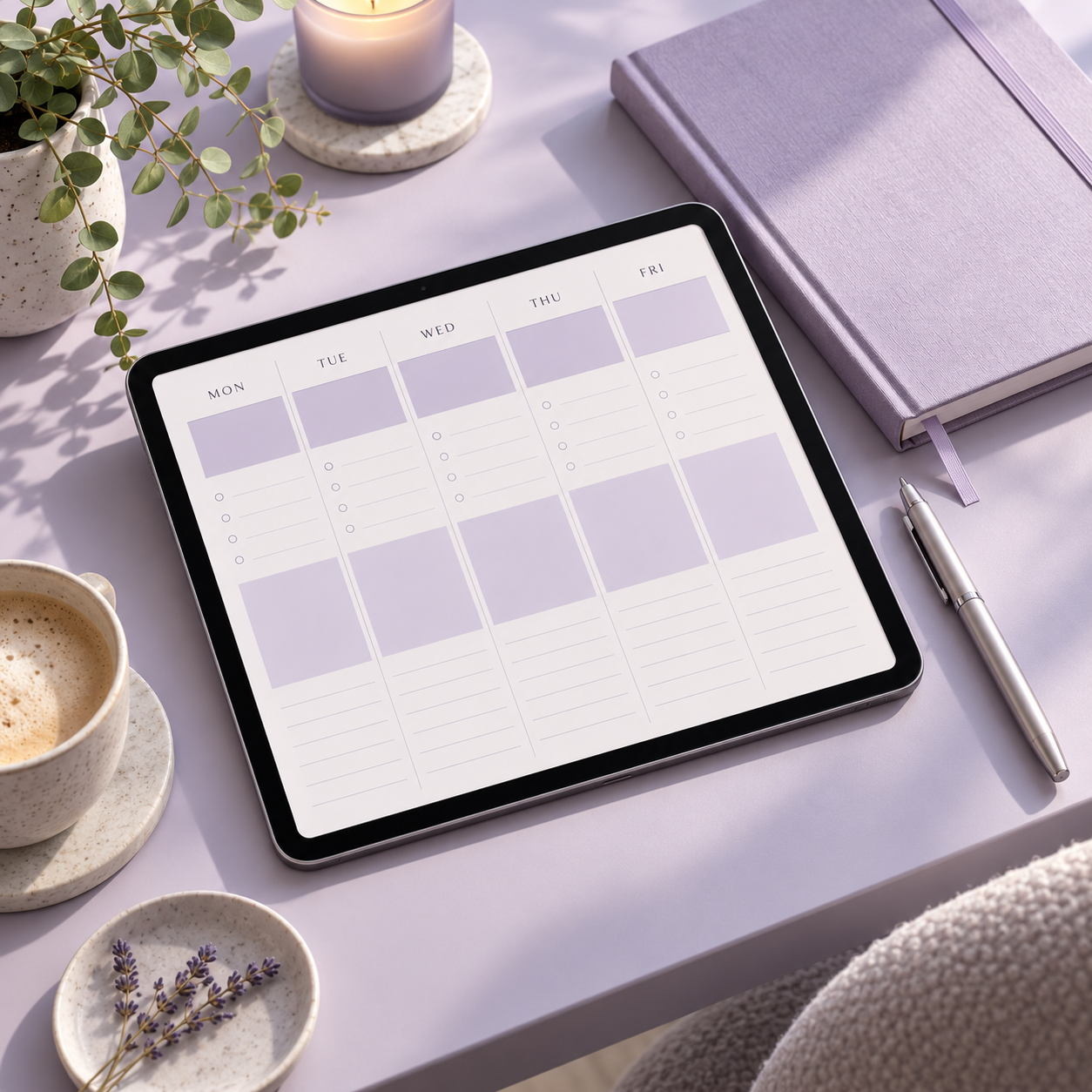
Planners · Toolkits · Digital collections
Explore the collectionSTARTER BUNDLE
Start a focused business with the brand, customer website, service offer, and launch essentials brought together for you.
Business exampleDigital Products Store
Starting at $2,500
Review Starter ScopePlanners · Toolkits · Digital collections
Explore the collectionGROWTH BUNDLE
Build on the launch foundation with a wider offer menu, stronger sales materials, and a customer journey built for repeat business.
Business exampleDigital Products Store
Starting at $5,000
Review Growth ScopeExamples illustrate the package scope and customer experience. Your business, deliverables, timeline, and any recurring costs are confirmed in writing before purchase. Optional Easy operating systems are priced separately.
After your scope and payment arrangements are confirmed, complete the startup profile for your build. We check your scope and account access, configure your system, run quality checks, request your approval, then complete training and launch. The delivery window is agreed before payment and depends on your completed intake and approvals.
Upgrades and ongoing support are separately scoped and priced. No optional recurring service is added without your agreement.